
As a learner, you can find all SonoSim assignments within Assignments > My Assignments. You can also access recent assignments via the widget on your homepage. Learn more below.
Find your assignment
-
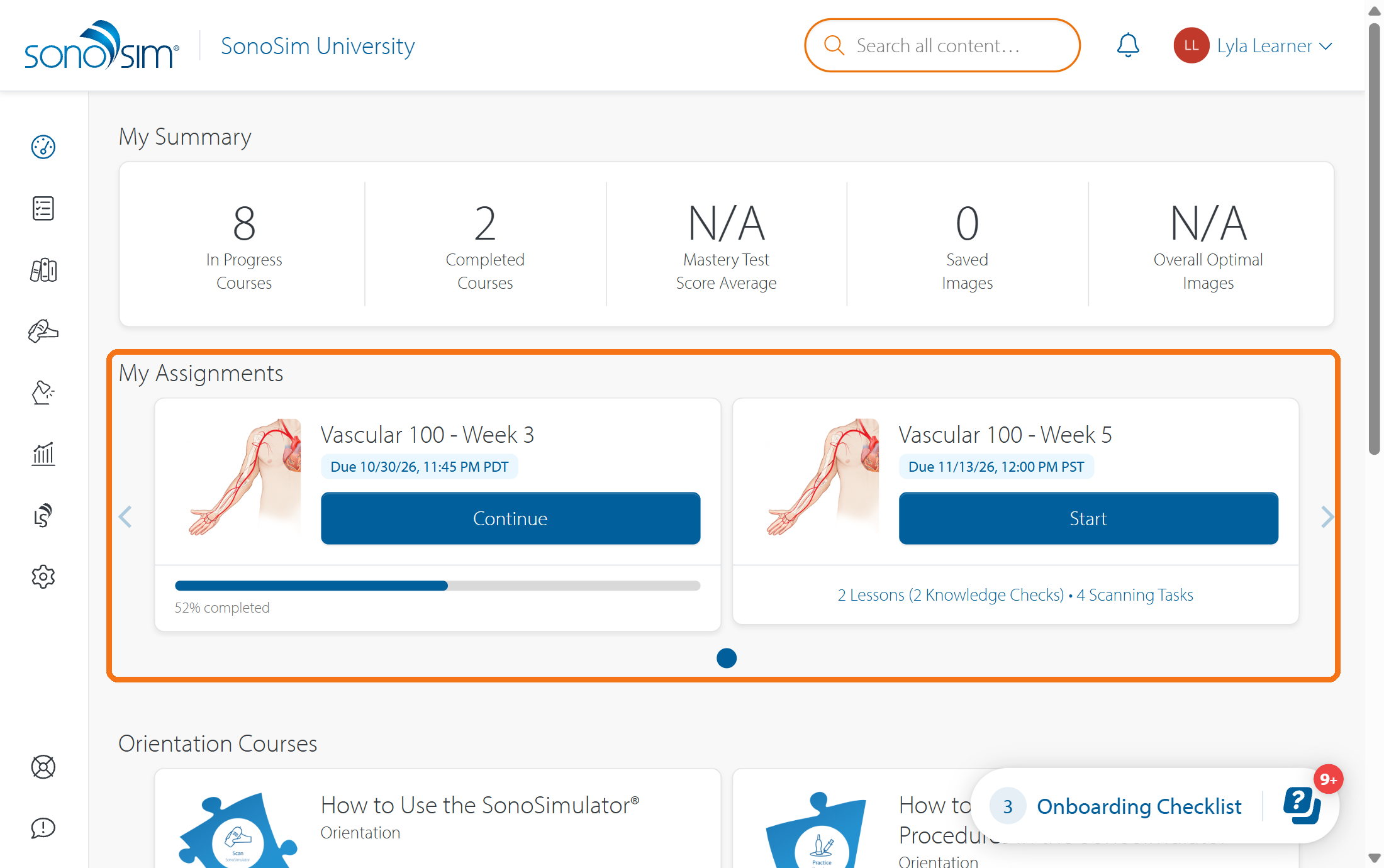
From your homepage: Find recent assignments within the My Assignments widget; select Start or Continue on the card to open.
-
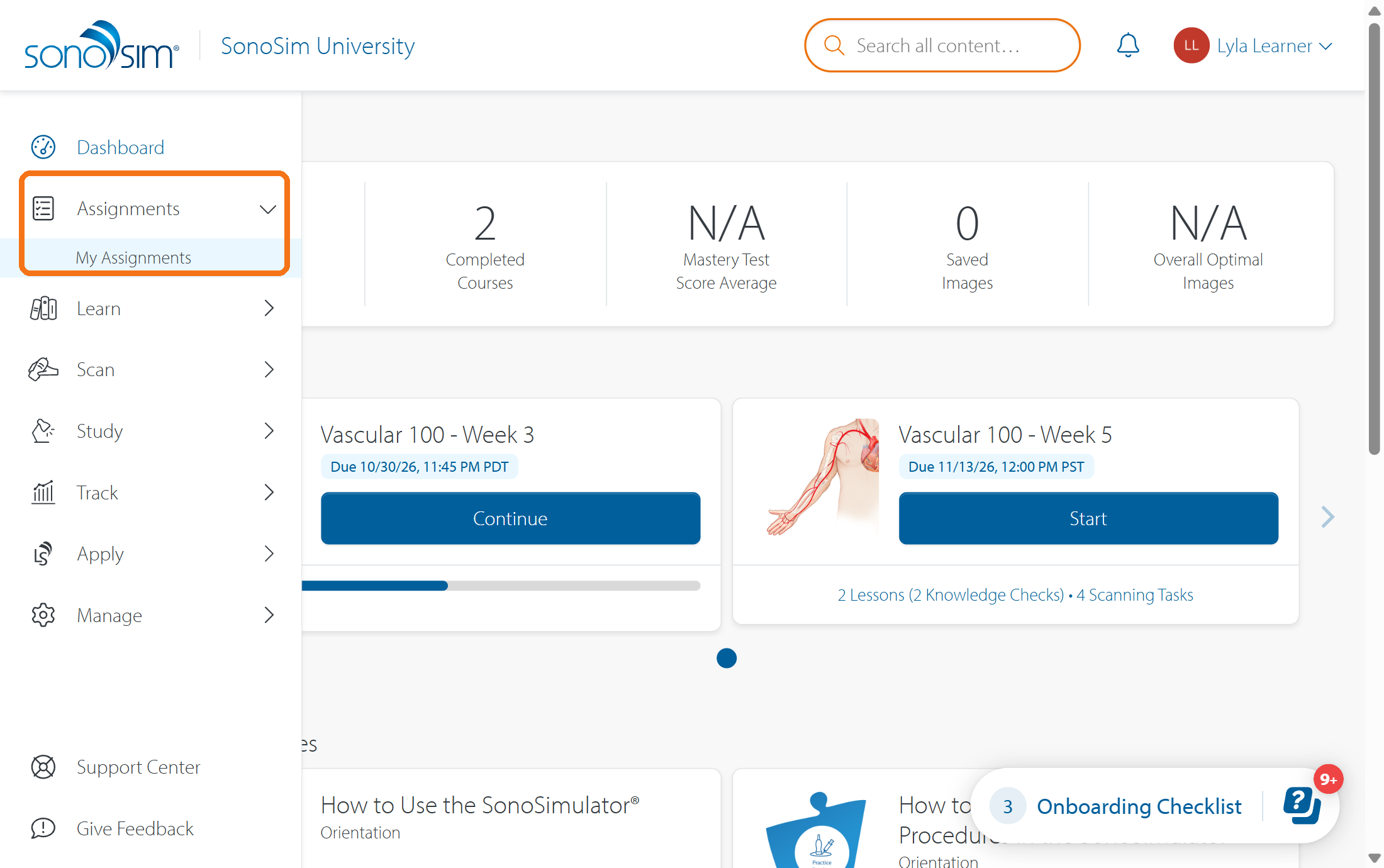
From the sidebar: Click Assignments in the sidebar, then click My Assignments. This will take you to the Assigned tab; from here, click the assignment title to open it.
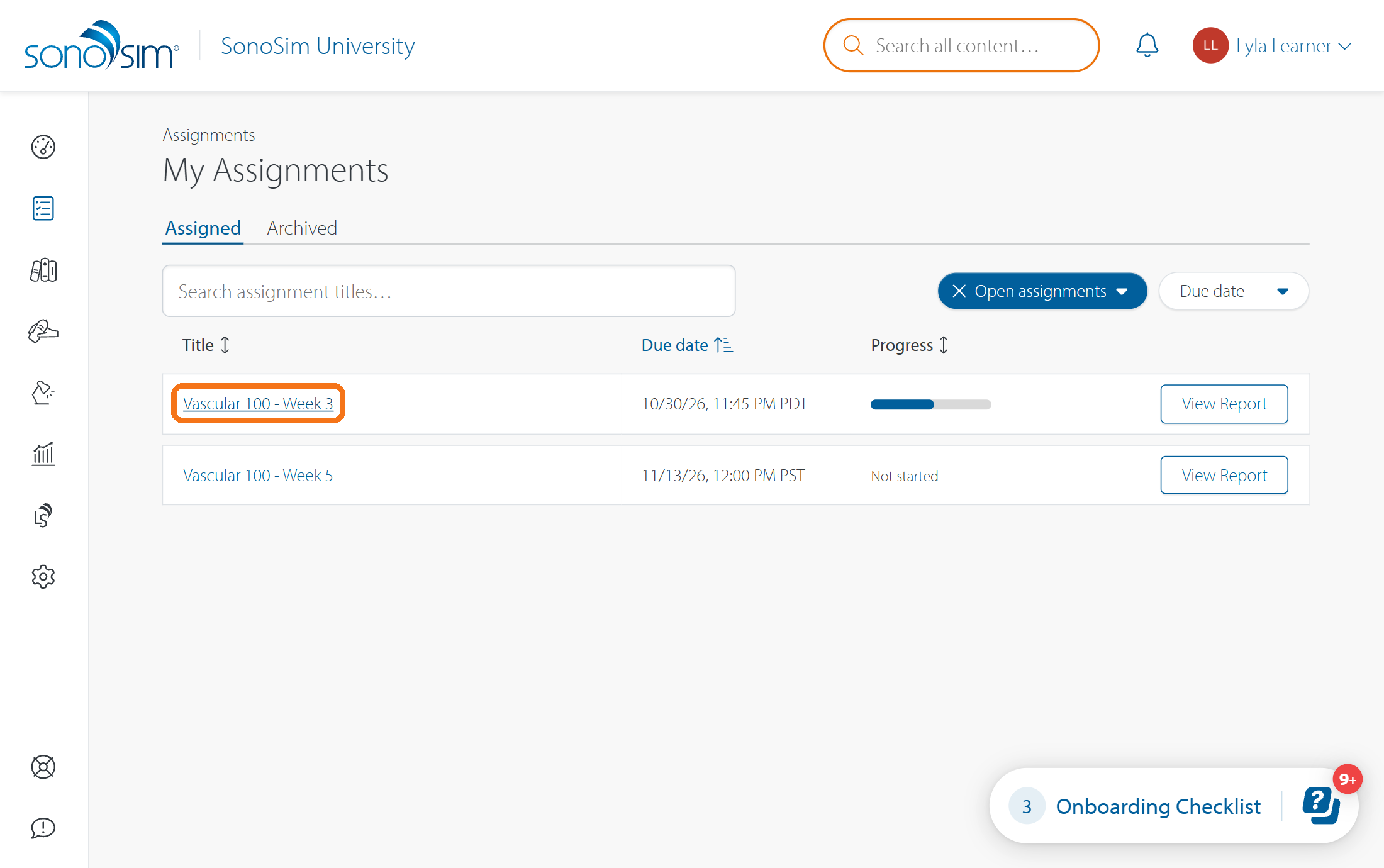
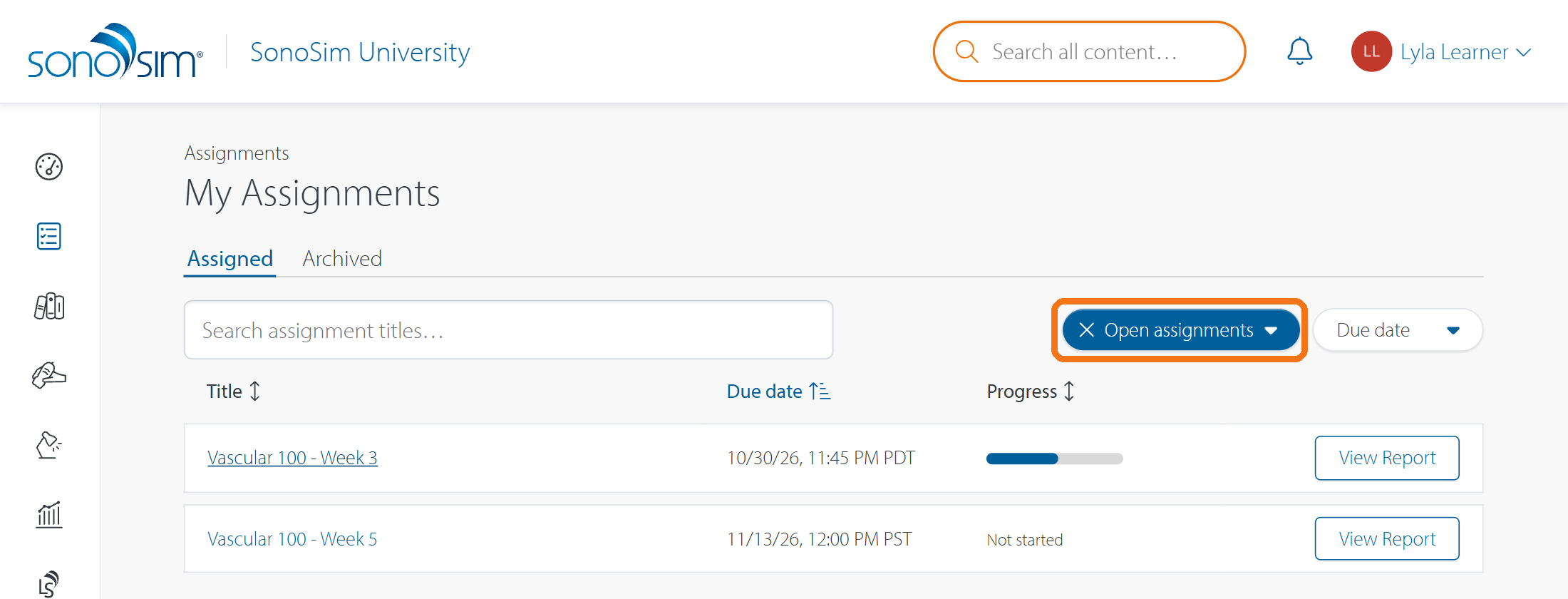
If an assignment is no longer on your homepage widget, check My Assignments. The Assigned list by default will only show open assignments (i.e., assignments where progress can be added). To see all assignments, click the X next to open assignments.
Can’t find an older assignment? See where to find past assignments.
Open your assignment
Click the assignment title to open it. On the assignment’s main page, you can see the due date, your instructor’s instructions (if present), and the list of assigned lessons, assessments, and/or scanning tasks. After you’ve completed some work, a progress bar will appear to show how much of the assignment is left
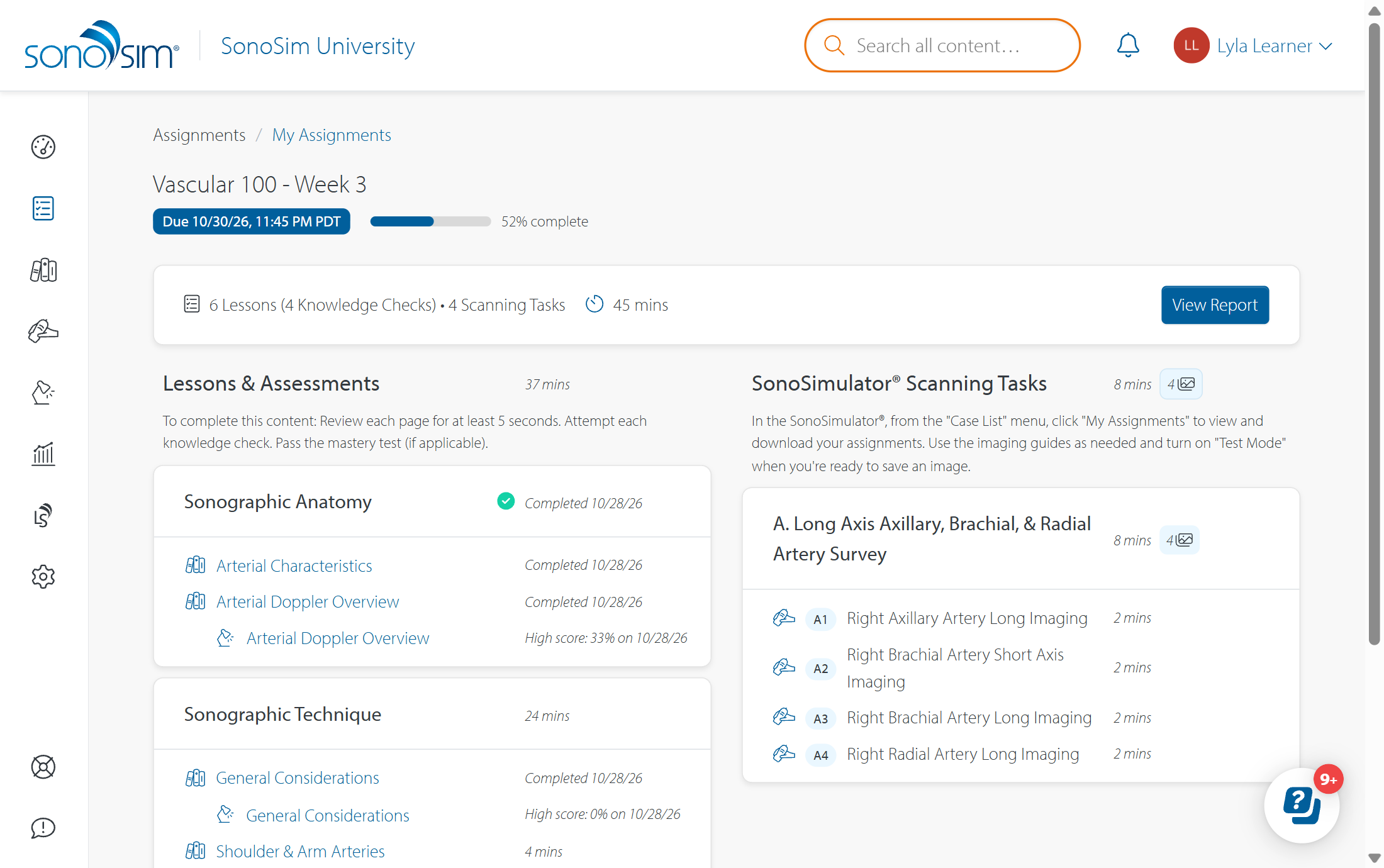
Start the selected work
-
Lessons and assessments: Click the lesson or assessment link to view the content. For completion steps, see How do I complete the lessons and assessments in my assignment?
-
Scanning tasks: Open the SonoSimulator scanning software, log in and click Scan, then find your assignment in the My Assignments section of its case list. For the full scanning workflow, see How do I complete an assigned scanning task in SonoSimulator?
The SonoSimulator is an installed software. Learn how to install and use the SonoSimulator.
Contact Support
-
Give us a call: 855-873-7666
-
Schedule a virtual Support Session