
In the SonoSimulator software, you can save and revisit your images for practice and learning. While we don’t have live professionals to review your images, we do offer built-in resources to guide your assessment.
Probe Guide
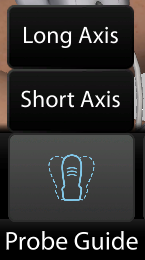
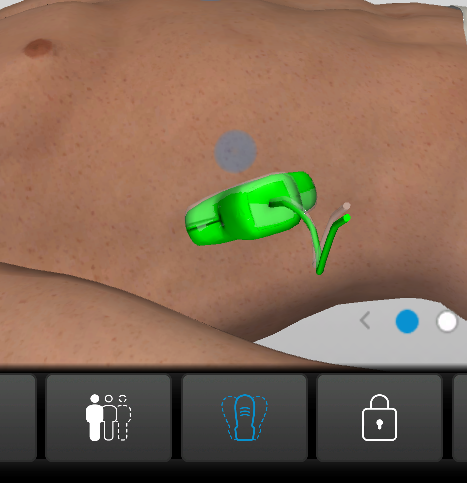
The Probe Guide tool in the SonoSimulator assists with finding optimal probe positioning within a given scanning window. After selecting the tool and an axis (imaging plane/view), a ‘shadow probe’ will appear for you to align your probe with. When aligned, your probe will turn green, and a chime will sound.
Findings Video
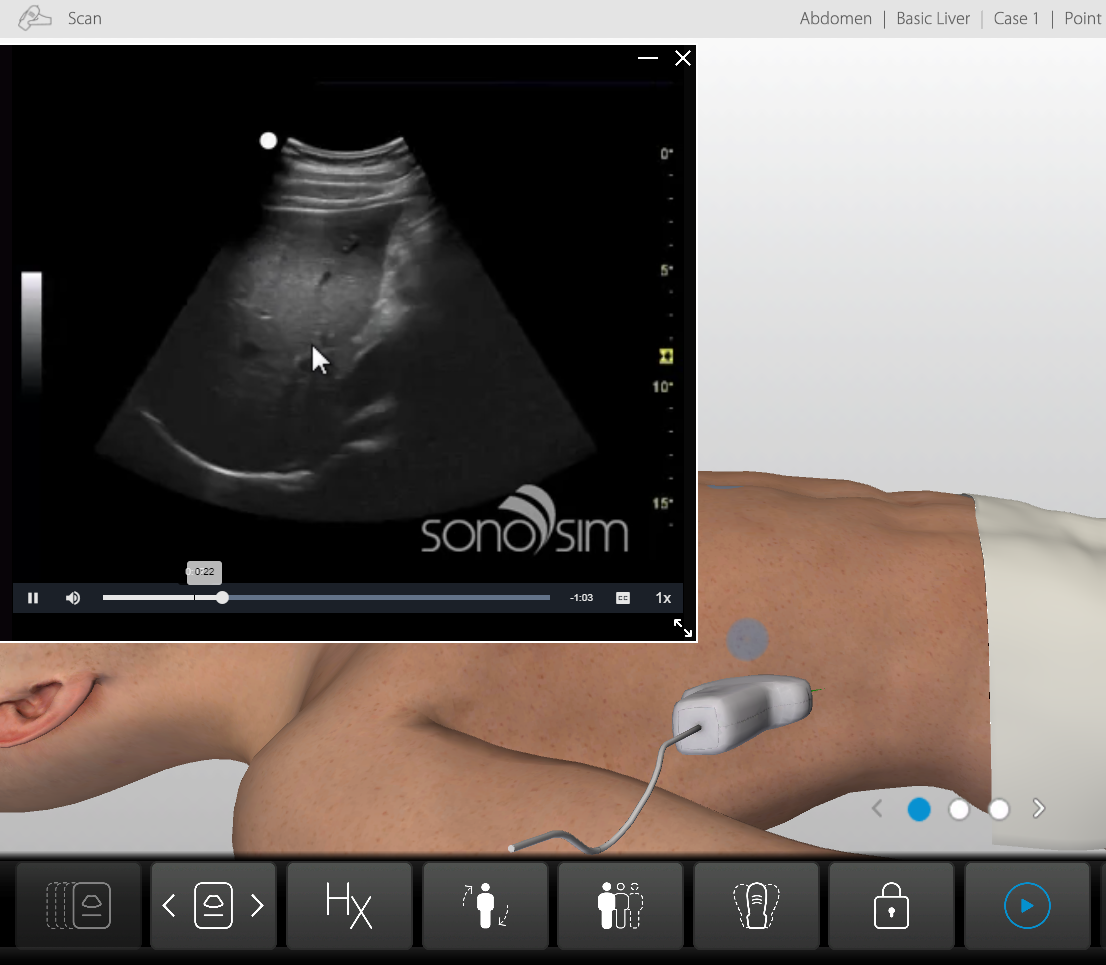
The Findings Video for each scanning window features a sonography expert narrating the case findings over the same images you scanned, pointing out key structures and/or abnormalities to note.

Reference Images
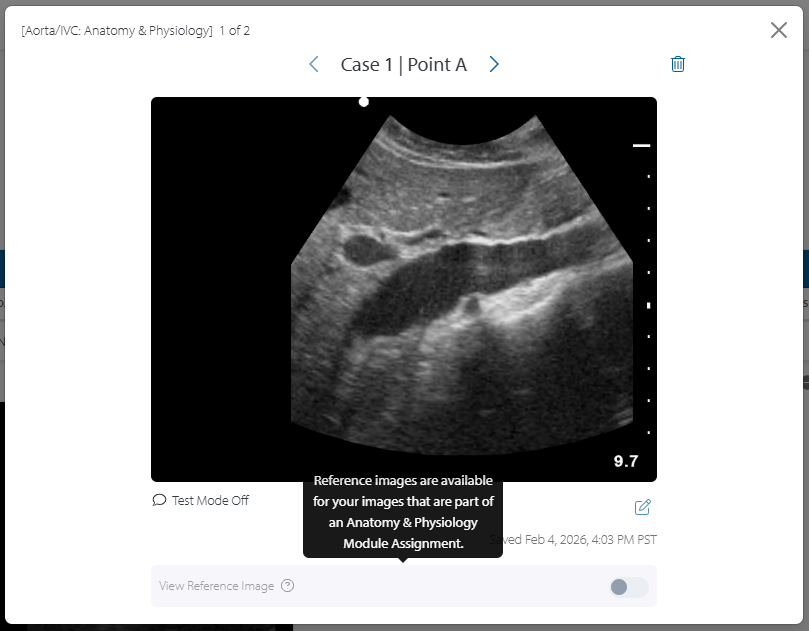
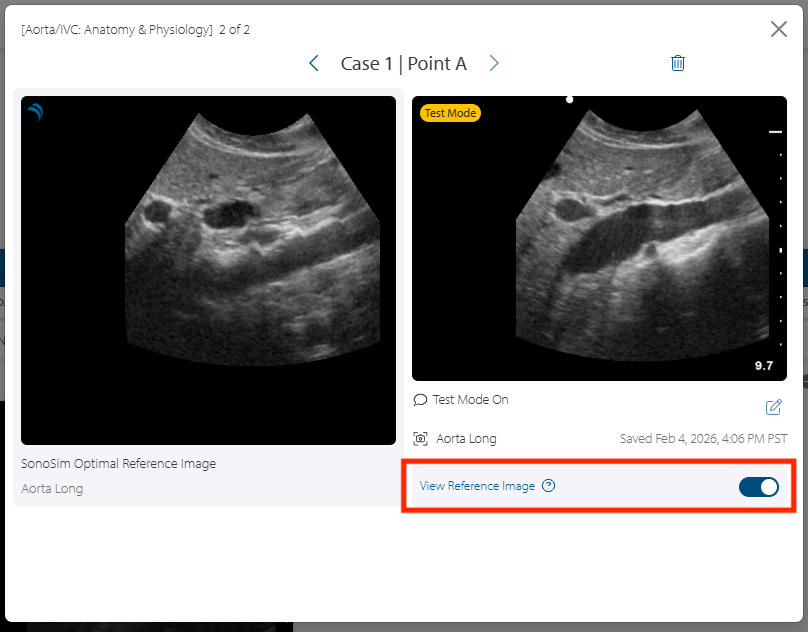
Images saved in the SonoSimulator can be found in 'My Image Portfolio Report', and can be compared with optimal reference images as long as the following requirements are fulfilled:
-
Images must be captured for a case and window belonging to an Anatomy & Physiology Module Assignment
-
Images must be captured in Test Mode with the specified window axis (imaging plane/view) name (i.e. Aorta Long)
-
Click the desired image for an expanded image view
-
Once in the expanded image view, toggle the ‘View Reference Image’ slider to view the optimal image side-by-side with your saved image
Still Have Questions?
Read Related Articles
Contact Support
-
Give us a call: 855-873-7666
-
Schedule a virtual Support Session