
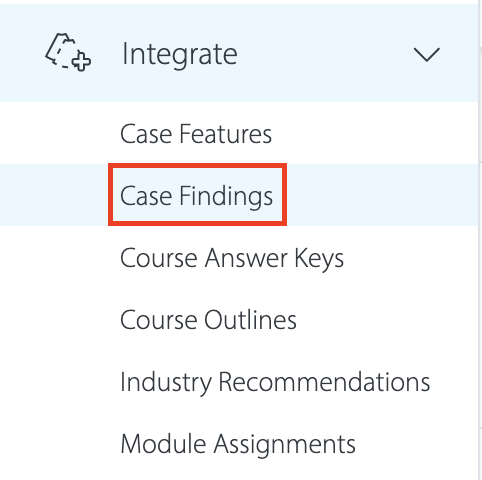
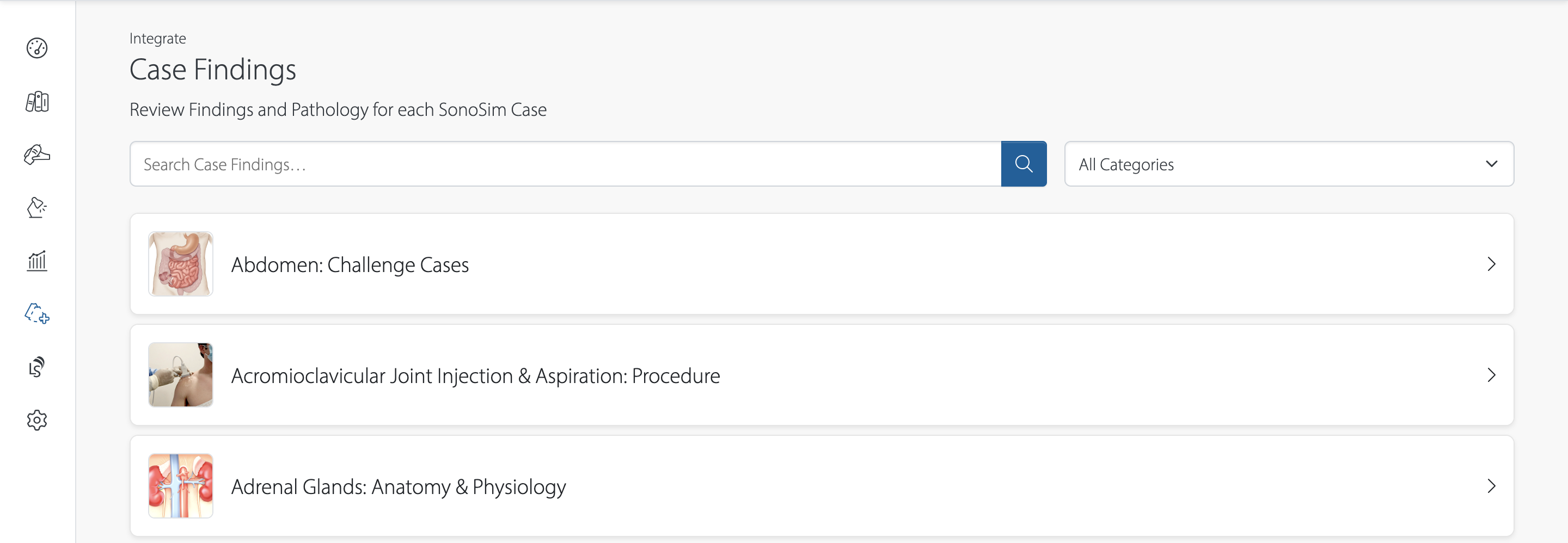
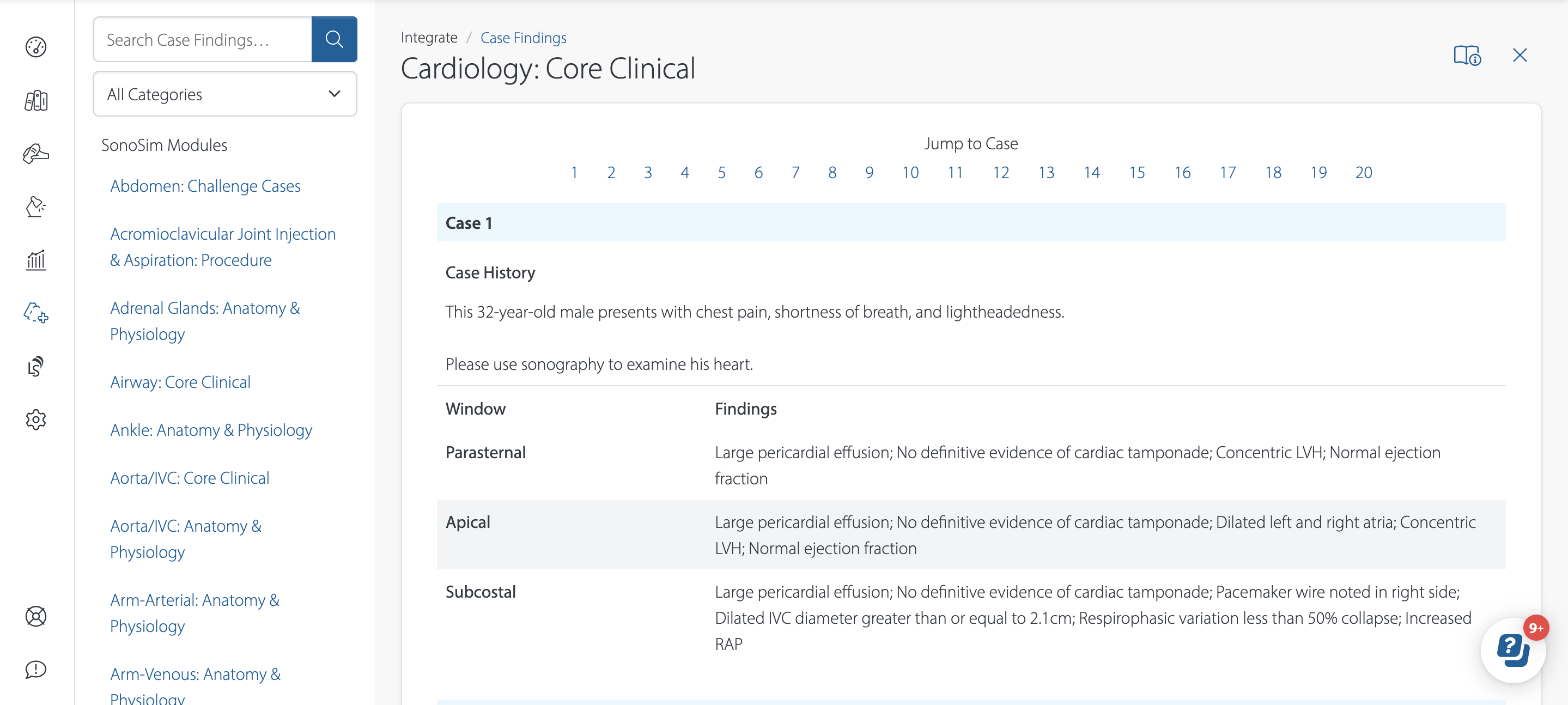
Case Findings can be found under the ‘Integrate’ menu in your MySonoSim Dashboard.
The content search bar at the top of your MySonoSim Dashboard (‘Search all content…') can also be used to search specific topics and find where they are located within SonoSim courses, scanning cases, and QuestionBank quizzes.
Still Have Questions?
Read Related Articles
- Can I modify the minimum passing score for my learners?
- How do I add users to my group?
- How do I add, edit, and remove subgroups?
- How do I assign SonoSim content to my users?
- Where can I find my assigned modules?
- Where do I find a list of all SonoSimulator® case findings?
- Why don't all SonoSimulator cases have Doppler? How can I find cases with Doppler?
Contact Support
-
Give us a call: 855-873-7666
-
Schedule a virtual Support Session